Why AI Search Gives Different Answers to the Same Question
September 15, 2026 | SEO
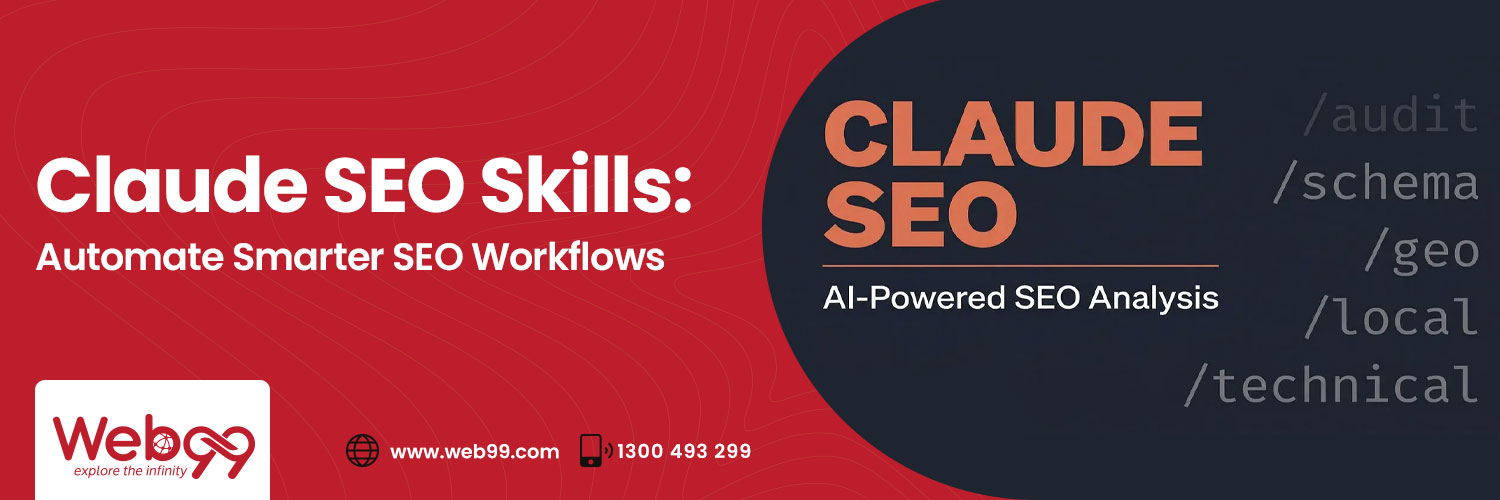
Claude SEO skills are saved sets of instructions that let Claude repeat the same SEO process, such as a technical audit or keyword grouping, in the same way every time instead of depending on a fresh prompt. This article explains what skills are, how they work, five practical skills worth building, how to link them into one workflow, and which mistakes to avoid, while making clear that Claude needs real data from your SEO tools and that a person must review the results before anything reaches a client or website.
A Claude skill is a folder containing a file called SKILL.md, which holds a name, a description and the steps you want Claude to follow, along with optional extras such as checklists or templates. An SEO skill is this structure used for an SEO job, so a technical audit skill might include your checklist, your priority rules and the report format your clients expect.
Skills differ from ordinary prompts and SEO tools in three useful ways:
Skills do not replace tools such as Ahrefs, Semrush, Screaming Frog or Google Search Console, because those tools produce the data while the skill decides how it is analysed and presented.
Claude first loads only the name and description of each installed skill, which Anthropic’s documentation puts at roughly 100 tokens per skill, and when you make a request it matches your words to those descriptions, reads the matching skill’s full instructions and follows them using the data you provide. That data can be an uploaded file, such as a crawl export, or a connector that links Claude to a data source, so the skill holds the instructions while the file or connector supplies the information.
For example, you might upload a Screaming Frog crawl and ask Claude to audit it, and Claude would match your audit skill, work through the checklist and sort the problems using your priority rules. A short version of that skill looks like this:
Human review is still essential, since Claude can report 68 pages missing meta descriptions but cannot know that 40 are archive pages nobody wants indexed.
| Skill | What It Does | Data It Needs |
|---|---|---|
| Technical SEO Audit | Finds broken links, indexing issues and metadata gaps | Crawl export, Search Console data |
| Keyword Clustering | Groups keywords by intent and topic | Keyword export from Ahrefs or Semrush |
| Content Planning | Builds briefs and finds content gaps | Keyword clusters, Search Console queries |
| Internal Linking | Suggests links and anchor text | Page list and topics |
| Competitor Gap Analysis | Compares topic coverage | Competitor pages or exports |
This is the best skill to build first because a saved checklist runs the same checks every time and helps prioritise fixes, since an indexing error on a key category page matters far more than many missing image descriptions.
Keyword tools provide search volume but not structure, so this skill groups a large export by search intent and topic, which supports content planning and helps avoid cannibalisation, where several pages compete for the same search.
Given a keyword cluster, this skill can produce a brief with a working title, heading structure, questions to answer and the search intent the page should serve, and with Search Console queries it can also highlight topics an existing page does not yet cover.
This skill finds pages that mention a subject you already have a dedicated page for without linking to it, and it should suggest the sentence and descriptive anchor text so each link is easy to place and helps visitors and search engines understand how your pages relate.
Given competitor pages or exports, this skill sorts topics into what competitors cover that you do not, where their page is more complete, and what nobody has answered well. The last group is the most valuable, and it is how Web99 uses competitor insights, because for a dental clinic, where many service pages look alike, a useful gap is often detail such as the process and timeframes for each treatment.
Used together, the skills form a practical process in which each step feeds the next, because every skill produces its output in the same format:
Three habits keep this reliable: fixed output formats, a human review before anything is published, and regular updates to each skill as search results and priorities change.
A request such as “analyse SEO” produces a general essay, whereas a skill needs the exact checks, order, scoring and output format.
A four-month-old crawl produces a confident report about problems that may already be fixed, so date-stamp every export.
Analysis suits AI, but choices such as merging thin pages need business knowledge.
Include a voice guide so briefs lead to useful, on-brand pages.
Since March 2024, Google’s spam policies have targeted scaled content abuse, meaning pages made in volume mainly to manipulate rankings.
Check an AI tool’s data terms before uploading client information.
Web99 is an Australian-based agency that has helped businesses get found online since 2008, having built more than 400 websites and helped clients rank for over 20,000 keywords on Google’s first page. Our work covers website optimisation, content strategy and link building. A skill is only as good as the process behind it, so we help you decide what belongs on your audit checklist and what a good content brief looks like for your market, then turn the repeatable steps into documented AI-assisted workflows while the judgement calls stay with people who understand your business.
Our aim is stronger organic visibility, better content quality and steady long-term performance. If you would like help turning your repeating SEO tasks into a reliable workflow, call us on 1300 493 299 or book an appointment online and we will review your current website and search approach with you.
Claude SEO skills make SEO work more consistent and efficient by applying the same checklist, clustering logic and brief format every time, but their value depends on the expertise in the instructions, on current and complete data, and on a person who reviews the output. To build AI-assisted SEO workflows that last, Web99 can help you decide where to start.

Director & co-founder
Prem Rathod is a highly skilled professional and co-founder of Web99, a digital marketing and web development agency based in Australia. With expertise in SEO, he is committed to providing innovative solutions to help businesses improve their online presence and visibility. With over a decade of experience in the industry, Prem is passionate about leveraging technology to automate processes and drive innovation in the healthcare sector. His proficiency in SEO, automation, and health tech has helped Web99 stay at the forefront of the industry. His skills in web development, UI/UX design, and project management have also been instrumental in the growth and success of the company.